1. Introduction
This section is not normative.
This module introduces spatial (3-dimensional) layout to CSS, creating spatial contexts and extending relative and absolute positioning to handle the z-axis (perpendicular to the canvas).
Note: The z-index property is unrelated to spatial positioning, it merely controls the stacking order at a given z-axis position.
1.1. Value Definitions
This specification follows the CSS property definition conventions from [CSS2] using the value definition syntax from [CSS-VALUES-3]. Value types not defined in this specification are defined in CSS Values & Units [CSS-VALUES-3]. Combination with other CSS modules may expand the definitions of these value types.
In addition to the property-specific values listed in their definitions, all properties defined in this specification also accept the CSS-wide keywords as their property value. For readability they have not been repeated explicitly.
2. Establishing Spatial Contexts
2.1. Establishing Spatial Contexts and Portals: the spatial property
| Name: | spatial |
|---|---|
| Value: | none | page | portal |
| Initial: | none |
| Applies to: | all elements except internal table elements, internal ruby elements, and inline boxes |
| Inherited: | no |
| Percentages: | n/a |
| Computed value: | as specified |
| Canonical order: | per grammar |
| Animation type: | discrete |
The spatial property establishes a spatial container, generating one or more spatial contexts allowing 3-dimensional layout within the context.
This property was previously named portal, since it would establish a shared spatial context for all the boxes within it. For a spatial: portal value (previously portal: full), it’s clear when you need to create a shared context vs not. But for page contexts, it’s less clear. Do we want to encourage authors to set up shared contexts, or do we prefer them setting up independent ones for each thing they want to shift in the z axis? This may change whether we want to require shifted content to be contained by a spatial: page box or whether we want to allow such boxes to be able to shift their own z-axis position (by having the border box create an implicit spatial container). Relatedly, in the former case we might want to restrict this to apply to boxes that establish formatting contexts, an in the latter we’d want to allow them potentially even for inline boxes.
Values have the following meanings:
- none
- No effect.
- page
- Establishes a limited front spatial context, which allows spatial positioning in front of the element’s plane. (However, see front-limit for limits on this area.)
- portal
-
Establishes two spatial contexts connected by a portal
coinciding with the border box of the spatial container:
-
a back spatial context behind the element consisting of a 3-dimensional “world” with its own coordinate system, which can be viewed through the spatial container’s portal (which acts as a window into this “world”).
-
a front spatial context, which allows relative spatial positioning in front of the element’s plane just like page does, as well as behind it by extending through the portal into the the “world” of the back spatial context.
-
All content that is not positioned using absolute spatial positioning into one of these spatial contexts is drawn and laid out normally in 2D—effectively on the “glass” of the portal (the portal plane)—and affects / is affected by the size of the element’s box as usual. Relative positioning can be used to shift content in the z-axis relative to the “glass”, see § 3.1 Relative Spatial Positioning.
When the element establishes a back spatial context, the page is cut out behind its principal border box: neither its background nor any content behind the box in the normal page context is drawn. Instead, the user views the contents of the back spatial context.
When spatial is not none, the box establishes a containing volume for all descendant content not otherwise contained by a containing volume (excepting content whose containing block would be an ancestor of this element, such as fixed-positioned boxes).
Nesting a portal inside an existing portal does not create a new visual context or spatial “world”, it merely creates a new coordinate system within the existing back spatial context, establishing a new containing volume and portal transform only.
For example, nesting a model element (which establishes its own spatial container)
inside an existing portal sizes and positions the model to its spatial container,
but the model co-exists with the other content of the parent spatial container
rather than creating a new pocket of reality with its own backdrop and lighting conditions.
2.2. Spatial Contexts and the Spatial Layout Model
A spatial context contains 3-dimensional layout, establishing a coordinate system in all three axes as well 3D rendering context for its content. It defines:
-
a containing volume, analogous to the containing block, but with the addition of a z-axis, into which descendant objects can be laid out using absolute or relative spatial positioning.
-
an allowed volume, which limits the rendering of objects by clamping and/or clipping them
The page allowed volume limits the rendering of objects, and thus clips the allowed volume of any front spatial contexts on the page. It must include the entire viewport in the X and Y axes, and in front of the page it includes the volume between the page canvas and the UA-defined front limit plane. The UA may, however, extend the page allowed volume beyond the viewport.
Note: The page allowed volume can change during the lifetime of the page. For example, the UA might increase or decrease it depending on the placement of the browser window in relation to the user and/or other UI, the level of trust of the website, whether an immersive viewing mode has been enabled, whether the page has focus, etc.
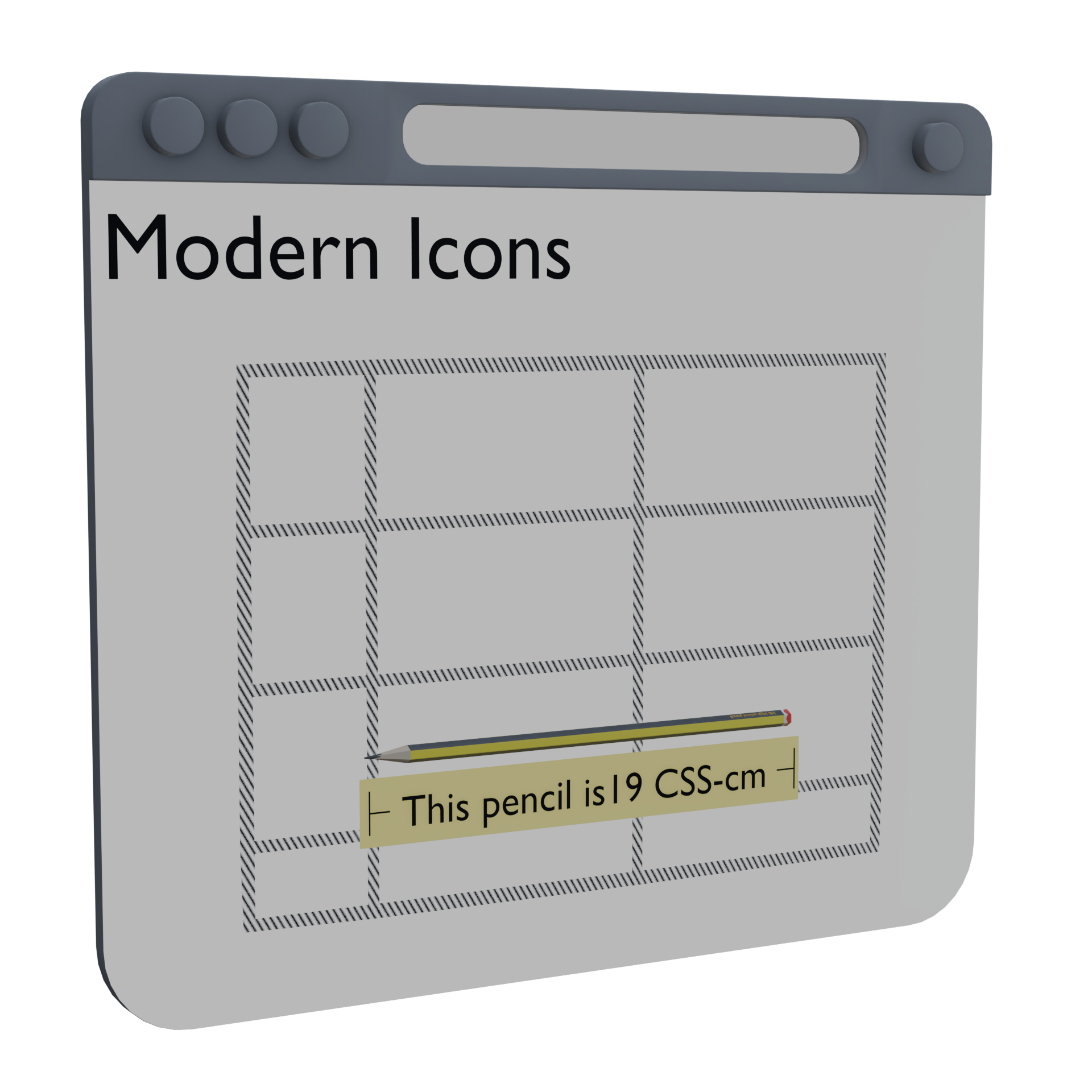
2.2.1. The Front Spatial Context
The front spatial context of a spatial container establishes a 3-dimensional coordinate system relative to the spatial container itself. In the z-axis, the 3-dimensional box created by the spatial container’s border edges, portal plane, and front limit plane defines the front spatial context volume.
For absolute spatial positioning, the containing volume is the front spatial context volume. For relative spatial positioning, the containing volume is the front spatial context volume flattened to coincide with the portal plane.
The allowed volume of the front spatial context is the page allowed volume clipped by the spatial container’s front limit plane in front, clipped by the overflow clip edge on the sides (if overflow clipping applies), and in the case of a spatial: portal spatial container, extending infinitely into the back spatial context behind the portal.
2.2.2. The Back Spatial Context
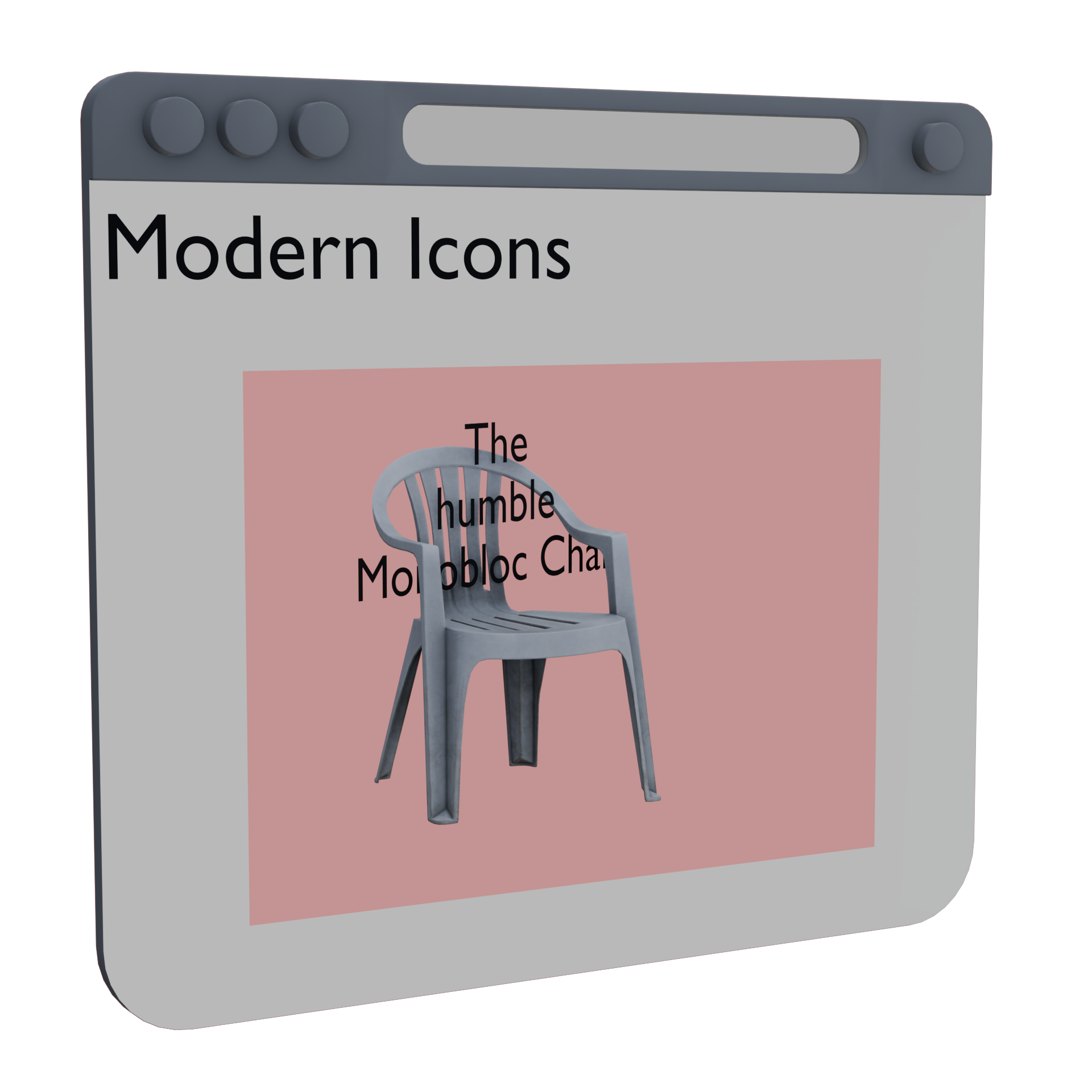
The back spatial context of a spatial container establishes a 3-dimensional coordinate system independent of the spatial container and its page. Content positioned into this context effectively exists inside its own 3D “world”, connected to the world of the page through the portal of the spatial container, which coincides with its border box. The allowed volume of the back spatial context is infinite and unlimited; however it is not rendered except behind the portal plane.
This portal itself is opaque to the page: through it, the user can only see the contents of the back spatial context, not any content placed behind it. By default, the backdrop color of the back spatial context is taken from the background-color property. If this color is not opaque, it is first composited on top of Canvas. The background-color is not otherwise painted, however all other background image layers are painted as usual on the portal plane, as if drawn on the “glass” of the portal.
Should this respond to color-scheme? How exactly?
2.2.3. Full Portals: Connecting the Front and Back Spatial Contexts
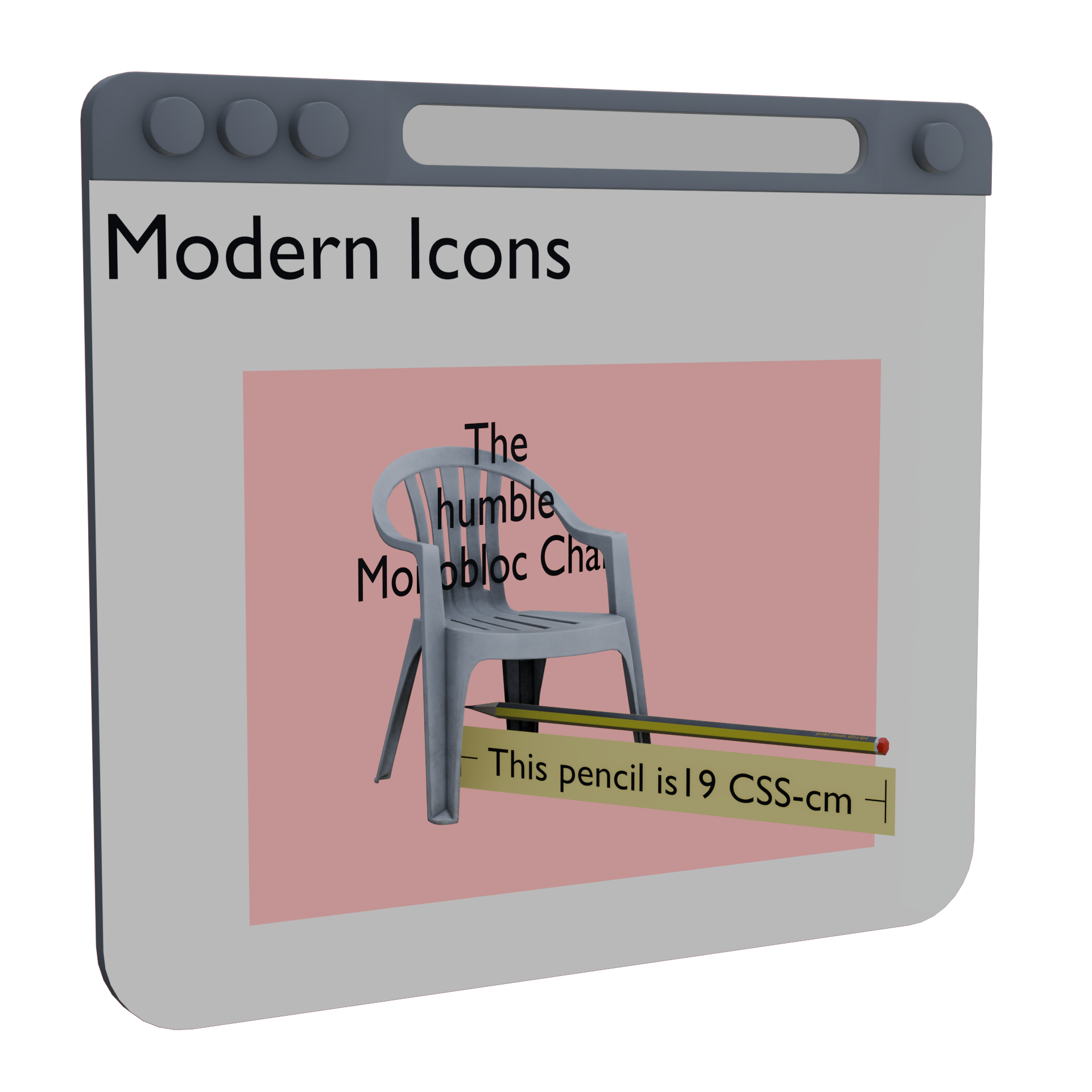
A spatial: portal spatial container connects the front and back spatial contexts through its portal, as if it were a window into the back spatial context and the contents of the front spatial context were attached to its window “glass”.
The portal thus connects two coordinate systems: the page coordinate system (which has its own idea of <length> values) and the back spatial context coordinate system (which has its own idea of <length> values, see portal-transform). Objects in the front spatial context are always positioned using the page coordinate system, even when they are physically positioned inside the volume of the back spatial context. (In other words, the front spatial context and back spatial context can coincide in physical rendering space while maintaining their independent coordinate systems.)
2.3. Configuring the Back Spatial Context
The back spatial context can have an entity transform that differs from the page. The portal-transform and portal-action properties control this this transform, called the portal transform.
The containing volume of the back spatial context defaults to containing its contents; however it can be explicitly configured with the portal-stage property.
2.3.1. Defining Stage: the portal-stage property
| Name: | portal-stage |
|---|---|
| Value: | [ auto | <length> ]{1,4} [ / [ auto | <length> ]{1,2} ]? |
| Initial: | auto |
| Applies to: | spatial containers establishing a back spatial context |
| Inherited: | no |
| Percentages: | n/a |
| Computed value: | as specified, but with lengths made absolute |
| Canonical order: | per grammar |
| Animation type: | by computed value |
The portal-stage property defines the containing volume of the back spatial context. Values prior to the slash (/) are assigned to each side as for margin; values after the slash (/) are assigned to the back and front, respectively.
Note: The allowed volume of the back spatial context is infinite. The containing volume is only providing the origin and a reference container for portal-transform: auto and absolute spatial positioning.
Values have the following meanings:
- <length>
- The stage expands from the origin by the specified length towards the indicated side. Values can be negative.
- auto
-
The stage expands from the origin to contain
the contents of the back spatial context on the indicated side.
Note: This means that portal-stage: auto will always include the world origin.
Negative values (including those calculated from auto) are clamped to ≤ max(0, opposite side) in order to ensure a non-negative containing volume.
The combination of portal-stage: auto (which sizes the stage based on its contents) and percentage inset values (which position the content based on the size of the stage) can give weird results.
Note: This property is analogous to the object-view-box property which applies to 2D objects.
2.3.1.1. Calculating an Automatic Containing Volume
For the purpose of portal-stage: auto, the contents of the back spatial context are measured:
-
Assuming percentages relative to the containing volume are resolved against zero.
-
Reducing the bounding box of each object by any negative margins on the relevant side.
-
Ignoring any transforms or clipping applied to the object.
-
After performing spatial positioning—see § 3 Spatial Positioning. For this pupose, the contribution of an absolute spatial positioned item in an axis constrained by both insets (i.e. not auto and thus untethered from having a position until the containing volume is resolved) is derived exclusively from their size: if their outer size + insets in this dimension is larger than the containing volume calculated from all items that are not dual-constrained in this axis, then the containing volume is increased to accommodate that size in whichever direction(s) have an auto expansion. If both directions are auto, the contribution is split equally between them.
-
If they were not otherwise positioned, their origins would coincide at the world origin, and their bounding boxes would each be a 10" cube centered on the world origin, resulting in a containing volume that’s the same.
-
If one cube were positioned left: 10in (which shifts it 10in to the right), then the containing volume would be from -5in on the left to 15in on the right, with this cube placed between 5in and 15in.
-
If that cube instead had left: 10in; right: -1in; margin: -0.5in, then the containing volume would be instead from -5in on the left to 13in on the right, with this cube splaced between 4.5in and 14.5in.
-
If that cube instead had left: 20%; right: 0, then we would resolve 20% to zero for the purpose of resolving the containing volume, thus yielding a containing volume from -5in to 5in. However the cube would then be centered between -2in and 5in (because overconstrained objects are centered, see § 3.2 Absolute Spatial Positioning: the spatial-absolute keyword for position), and thus actually placed between -3.5in and 6.5in.
2.3.2. Transforming the Stage: the portal-transform property
| Name: | portal-transform |
|---|---|
| Value: | none | auto | auto? <transform-list> | <transform-list> auto <transform-list>? |
| Initial: | auto |
| Applies to: | spatial containers establishing a back spatial context |
| Inherited: | no |
| Percentages: | n/a |
| Computed value: | as specified, but with lengths made absolute |
| Canonical order: | per grammar |
| Animation type: | Discrete if the presence of the none or auto keyword differs; otherwise interpolate each <transform-list> independently, see CSS Transforms 1 § 9 Interpolation of Transforms. |
This property transforms the back spatial context, i.e. it sets the portal transform (sometimes called the “entity transform”). Transforms are applied in order from first to last; therefore transforms listed before auto affect the used value of auto, whereas transforms listed after it are applied after auto-fitting.
- none
- The origin of the back spatial context is the center of its border box on the portal plane, and the portal transform ensures that <length> values correspond between the page and the back spatial context (i.e. 1cm in the back spatial context is 1cm on the page.)
- auto
- The matrix required to fit the containing volume (or bounding sphere of the containing volume, in the case of portal-action: orbit) of the back spatial context into an axis-aligned rectangle whose sides align with content edges of the spatial container, and front aligns with the portal plane. If a <transform-list> is specified before auto, then it is applied to the containing volume prior to this calculation.
- <transform-list>
- The back spatial context is transformed as specified.
Note: This property has no effect on the contents of the front spatial context, even if they intersect with the physical space of the back spatial context.
Using the content edge for auto means that the padding of the spatial container insets auto-fitted content. If we want to allow different amounts of padding on portal content vs glass content, then we can introduce a new portal-padding property—taking the same syntax as padding but with an initial value of auto that just copies from the regular padding to provide an easy default.
-
Maintain its relationship to physical units as 1/96th of 1in, thus transforming with the stage and its contents.
-
Maintain its relationship to page coordinates, thus not transforming with portal-transform alongside the physical units. In other words, 1px in the front spatial context would always exactly match 1px in the back spatial context after applying the portal transform.
-
Maintain its size as a visual angle as measured at the portal plane, thus growing as it moves away from the portal. In other words, 1px in the front spatial context would exactly match 1px in the back spatial context at the portal plane, but as the object being styled in px units is positioned further from the portal, the resolution of 1px grows so that it has the same visual size as 1px at the portal plane.
This question needs more consideration, and might prompt the addition of new units or the re-interpretation of some existing ones (e.g. transforming the physical units together with the stage, but resolving px and relative units against the portal glass). See CSS Values 4 § 6 Distance Units: the <length> type for more information on CSS length units.
2.3.3. Interacting with the Stage: the portal-action property
| Name: | portal-action |
|---|---|
| Value: | none | orbit || [ pan | pan-inline || pan-block || pan-x || pan-y || pan-z ] |
| Initial: | none |
| Applies to: | spatial containers establishing a back spatial context |
| Inherited: | no |
| Percentages: | n/a |
| Computed value: | as specified |
| Canonical order: | per grammar |
| Animation type: | discrete |
This property indicates what kinds of motions the back spatial context can accept. The methods of providing the interaction are left to the user agent, and may include gestures, keyboard input, context menus, etc.
Values have the following meanings:
- none
- The contents of the back spatial context cannot be repositioned or rotated by the user.
- orbit
-
The contents of the back spatial context
can be rotated around the center of the containing volume
by the user.
Note: This value also causes portal-transform: auto to use the bounding sphere instead of the bounding box.
- pan
- The contents of the back spatial context can be translated (in any direction) by the user.
- pan-inline
- pan-block
- pan-x
- pan-y
- pan-z
- pan-block
- The contents of the back spatial context can be translated (in the specified page-aligned axis) by the user.
The transform matrix introduced by these user interactions is applied after any transforms applied by portal-transform.
Better name for this property?
Note: For user gestures involving touch, the touch-action property can limit what sorts of gestures are propagated from the element receiving the action to the portal.
2.4. Front Limits: how far content can be raised on the page
The front limit of a spatial container defines how far forward content is allowed to be rendered. The resulting front limit plane is used to clamp the z-axis position of relatively positioned boxes and to clip content that is transformed too far forward towards the user.
The UA is responsible for choosing a comfortable front limit for the user (and defining the page allowed volume accordingly), in consideration of the window context, user preferences, etc. This limit may be dynamically updated during the life of the page.
The author can control the front limit effect with the the front-limit property;
query the computed front-limit of a given spatial container using getComputedStyle();
and query the UA-dictated front limit for a page using the front-limit media query.
2.4.1. Controlling the Front Limit: the front-limit property
| Name: | front-limit |
|---|---|
| Value: | <length [0,∞]> | max |
| Initial: | TBD |
| Applies to: | spatial containers |
| Inherited: | yes |
| Percentages: | n/a |
| Computed value: | a computed <length> |
| Canonical order: | per grammar |
| Animation type: | by computed value type |
This property defines the front limit of the spatial container. Its computed value is the specified length computed and clamped by the distance from the portal plane to the front plane of the page allowed volume.
Matching the front-limit media query,
the computed value for front-limit from getComputedStyle()
is not required to reflect temporary UA adjustments to the page allowed volume.
:root{ front-limit : 5 cm ; }
-
1rem (scales with font size),
-
1vmin (scales with window size),
-
1in (scales with zoom factor)
2.4.2. Querying the Front Limit: the front-limit media query
| Name: | front-limit |
|---|---|
| For: | @media |
| Value: | <length [0,∞]> |
| Type: | range |
The front-limit media feature describes the front limit allowed by the UA for this page. This allows authors to define style rules that depend on whether and by how much objects can be placed in front of the page canvas plane.
The UA may limit the responsiveness of front-limit to temporary changes to the page allowed volume, to avoid exposing information about the external state of the user agent. In this case, its value should correspond to the effective page allowed volume when the page is in focus and under typical active use.
In this case when there is enough space the images sit in front of the page. Otherwise a portal will be added for them to have space.
.stack{ position : relative; spatial : portal; front-limit : 5 cm ; } .stack img{ rotate : calc ( sibling-index () *10 deg ); transform-origin : -10 % 110 % ; position : absolute; inset-back : calc ( 100 % -sibling-index () *1 cm ); } @media ( front-limit >=5 cm ) { .stack{ spatial : page; } }
< div class = "stack" > < img src = "photo-1.jpg" alt = "First photo" > < img src = "photo-2.jpg" alt = "Second photo" > < img src = "photo-3.jpg" alt = "Third photo" > </ div >
front-limit is false in the negative range.
2.5. Color Compositing in Spatial Contexts
Although by default colors are composited in sRGB in CSS,
elements positioned in a spatial context
are composited in a UA-chosen linear color space.
Thus, for example, if a section within a spatial context
is raised above its container using `back: 5mm`,
although its children will composit with its own background
using the usual rules applicable to flat pages,
the result will composite with its container and other parts of the page
in the linear color space used by the UA for spatial rendering.
Note: This may result in spatial elements having slight color discrepancies compared with otherwise-similar non-spatial elements.
3. Spatial Positioning
Within a containing volume, boxes can use spatial positioning to position themselves in 3D within their spatial context.
The front of the spatial context (towards the user) is considered to be the start side of the z-axis.
3.1. Relative Spatial Positioning
When a box is relatively positioned within a portal, it gains the ability to be positioned in the z-axis using the inset-front and inset-back properties (relative spatial positioning) in addition to positioning in the x-axis and y-axis using the other inset properties. These position the box relative to their containing block’s plane, allowing the content to shift forward and backward with respect to the page canvas plane.
h1{ spatial : page; > span{ position : relative; inset-back : 1 cm ; } }
< h1 >< span > My Website</ span ></ h1 >
A relatively positioned box that is contained by a spatial container and whose inset-front or inset-back property is not auto is spatially positioned and rendered using spatial compositing. The box is otherwise composited in 2D with its containing block as normal.
3.1.1. Clamping Relative Spatial Positioning to the Front Limit
If the inset-front and inset-back properties would position the box beyond the front limit plane of its portal, then their used values are clamped to stay within the front limit.
In the case of spatial: page if the inset-front and inset-back properties would position the box below the portal plane, then their used values are clamped to stay in the plane of the page.
When elements' positions are clamped to the front limit plane or the portal plane, they are stacked and composited relative to other elements as if the z-axis distance between them were compressed to an infinitesimal amount (rather than flattening them into a single 2D composition).
Note: This means they will continue to be composited in the linear color space used for spatial compositing. See § 2.5 Color Compositing in Spatial Contexts.
3.2. Absolute Spatial Positioning: the spatial-absolute keyword for position
| Name: | position |
|---|---|
| New values: | spatial-absolute |
This module introduces the spatial-absolute keyword to the position property. When contained by a spatial container, this value takes the now spatially positioned box out of flow and positions it into the containing volume of the back spatial context (in the case of spatial: portal), or the front spatial context (in the case of spatial: page) of its spatial container.
This style of positioning is called absolute spatial positioning, and it uses the inset properties (including the new inset-back and inset-front properties) very similarly to absolute positioning. Since it works in 3D, in place of the containing block, this style of positioning uses a containing volume.
-
When both insets in a given axis are auto, the object is positioned so that its origin coincides with the origin of the containing volume.
-
When only one inset in a given axis is auto, the object is positioned as for the double-auto case, but shifted away from the origin by the specified amount, away from the specified side. For example, left: 5cm moves the object rightwards, away from the left edge.
-
When neither inset in a given axis are auto, the object is sized and aligned within an inset-modified containing volume derived from the containing volume analogously to the inset-modified containing block in position: absolute layout. See CSS Positioned Layout 3 § 3.5 Absolute (and Fixed) Positioning.
In all cases, percentage sizes (including sizing properties, inset properties, margins, and padding) that are defined to resolve against the containing block are resolved against the containing volume, see portal-stage.
Unlike regular absolute positioning, the normal value for self-alignment (the initial value) behaves as center, causing the box to use fit-content sizing for the automatic size, and centering the object when constrained on both sides by the inset-modified containing volume.
What should happen if there’s no containing portal?
3.3. Z-axis Insets: the inset-front and inset-back properties
| Name: | inset-back, inset-front |
|---|---|
| Value: | <top> |
| Initial: | auto |
| Applies to: | boxes contained by a spatial container |
| Inherited: | no |
| Percentages: | for relative spatial positioning, relative to the distance from the containing block to the front limit plane; for absolute spatial positioning, relative to the z-axis size of the containing volume. |
| Computed value: | as specified |
| Canonical order: | per grammar |
| Animation type: | by computed value type |
These inset sub-properties control the z-axis in spatial positioning.
Values have the following meanings:
- auto
-
If both insets in this axis are auto,
then the box is positioned at its default z-axis position.
Otherwise, this value defers positioning to the opposite inset, see below.
- <length-percentage>
- The box’s position is inset by the specified amount from the front (for inset-front) or back (for inset-back).
When relative positioning, if inset-back is auto, then it computes to the negative of the computed value of inset-front; otherwise inset-front computes to the negative of the computed value of inset-back.
In case of overconstraint, inset-front is the weaker inset.
3.3.1. Inset Aliases: the inset-top, inset-right, inset-bottom, and inset-left properties
| Name: | inset-top, inset-right, inset-bottom, inset-left |
|---|---|
| Value: | <top> |
| Initial: | see individual properties |
| Applies to: | see individual properties |
| Inherited: | see individual properties |
| Percentages: | see individual properties |
| Computed value: | see individual properties |
| Animation type: | see individual properties |
| Canonical order: | per grammar |
As a convenience to authors, this module introduces inset- prefixed legacy name aliases for the top, right, bottom, and left inset properties for consistency with the existing inset-block-start, inset-inline-start, inset-block-end, inset-inline-end properties and the newly introduced inset-front and inset-back properties. See CSS Positioned Layout 3 § 3 Positioning Coordinates and CSS Cascading 4 § 3.1 Property Aliasing.
3.3.2. Inset Shorthand: the / <inset-back> <inset-front>? extension to inset
| Name: | inset |
|---|---|
| New values: | <top>{1, 4} / <inset-back> <inset-front>? |
This module extends the inset shorthand property to include inset-back and inset-front as longhand properties, and introduces the ability to set these by specifying their values after a slash (/). Omitted values for inset-front or inset-back are set to auto.
3.4. Anchor-based Positioning
Absolute spatial positioning can also be used together with CSS Anchor Positioning. This module extends position-area and the anchor() functions to reference the z-axis and to reference the anchor’s origin in all three axes.
-
Re-use offset-anchor to define the origin of an HTML element.
-
Add an anchor-origin' keyword to the self-alignment properties.
-
Add a origin keyword to position-area
-
Add a origin keyword to anchor()
Alternatives considered include:
-
Whether offset-position be able to take anchor() functions and whether offset-path: none just be a point at the offset-position But this is built on top of transforms, not positioning, so that may cause problems
-
Using position-anchor-box rather than position-area
3.4.1. Anchor-based Coordinates: the position-context property
| Name: | position-context |
|---|---|
| Value: | container | anchor |
| Initial: | container |
| Applies to: | absolutely positioned boxes |
| Inherited: | no |
| Percentages: | n/a |
| Computed value: | as specified |
| Canonical order: | per grammar |
| Animation type: | discrete |
This property controls whether the box is oriented in the coordinate system of its containing block or if it is transformed together with its default anchor box.
Values have the following meanings:
- container
- The anchor box of a 3-dimensional object is its axis-aligned bounding box in the coordinate system of the positioned box’s containing volume, and the position-area grid is likewise oriented in the coordinate system of its containing volume.
- anchor
- The positioned box is transformed together with its default anchor box, and the used anchor box of any 3-dimensional object is the axis-aligned bounding box of the default anchor box’s coordinate system, however that has been transformed. Consequently, the positioned box moves, rotates, and scales together with the default anchor box, and the position-area grid is oriented in the default anchor box’s coordinate system.
3.4.2. Extensions to position-area: 3-dimensional areas
| Name: | position-area |
|---|---|
| New values: | [ front | center | back | span-front | span-back | span-all ]? |
This module extends the <position-area> syntax to append the following to all 2-keyword values:
[/ [ front | center | back | span-front | span-back | span-all ]]?
This creates a 3-axis syntax that describes a 27-sector 3-dimensional grid, essentially extruding the existing 9-sector 2-dimensional grid by adding areas corresponding to the front, center, and back of the anchor box. The z-axis positioning value is specified after a slash (/) following the 2D positioning values.
If only one keyword is specified, and it is a valid z-axis keyword, then it is repeated for all three axes. Otherwise, the z-axis value defaults to center.
3.4.3. Extensions to position-area: the origin area
| Name: | position-area |
|---|---|
| New values: | origin |
This module also extends the <position-area> syntax to allow the origin keyword everywhere that center is currently allowed. This value represents a (zero-sized) track that coincides with the anchor’s origin, and its area-specific default alignment is anchor-origin.
3.4.4. Extensions to anchor() and anchor-size()
This module extends the <anchor()> syntax to add front and back to <anchor-side>. Together with the existing start/end keywords, this allows the inset-front and inset-back inset properties to resolve against the corresponding sides of the anchor box.
Similarly, for sizing purposes, the <anchor-size()> syntax gains a depth keyword to represent the z-axis size of the anchor box.
It also adds an origin keyword to <anchor-side>, which resolves against the origin of the anchor box.
3.4.5. Extensions to Box Alignment: the z-align-self and z-align-items properties
| Name: | z-align-self |
|---|---|
| Value: | <align-self> |
| Initial: | normal |
| Applies to: | spatially positioned boxes |
| Inherited: | no |
| Percentages: | n/a |
| Computed value: | as specified |
| Canonical order: | per grammar |
| Animation type: | discrete |
| Name: | z-align-items |
|---|---|
| Value: | <align-items> |
| Initial: | auto |
| Applies to: | all elements |
| Inherited: | no |
| Percentages: | n/a |
| Computed value: | as specified |
| Canonical order: | per grammar |
| Animation type: | discrete |
These properties are analogous to align-self and align-items, except they operate in the z-axis.
They are sub-properties of the place-self and place-items shorthand properties, respectively, which are themselves extended as follows:
| Name: | place-self |
|---|---|
| Value: | <align-self> <justify-self>? [ / <z-align-self> ]? |
| Initial: | see individual properties |
| Applies to: | see individual properties |
| Inherited: | see individual properties |
| Percentages: | see individual properties |
| Computed value: | see individual properties |
| Animation type: | see individual properties |
| Canonical order: | per grammar |
| Name: | place-items |
|---|---|
| Value: | <align-items> <justify-items>? [ / <z-align-items> ]? |
| Initial: | see individual properties |
| Applies to: | see individual properties |
| Inherited: | see individual properties |
| Percentages: | see individual properties |
| Computed value: | see individual properties |
| Animation type: | see individual properties |
| Canonical order: | per grammar |
This module extends the place-self and place-items shorthand properties to also set <z-align-self> and <z-align-items> (respectively). If only one value is specified, then the shorthand sets all three axes to the same value. If only the z-axis value is omitted, then it is set to its initial value.
3.4.6. Extensions to Anchor Alignment: the anchor-origin value
| Name: | justify-self, align-self, z-align-self, justify-items, align-items, z-align-items |
|---|---|
| New values: | anchor-origin |
This module also introduces the new anchor-origin value, which centers the origin of the alignment subject against the origin of its default anchor box. When anchor-origin is specified, the inset properties behave differently in the affected axis: instead of adjusting the inset-modified containing block, they shift the origin of the alignment subject—exactly as if it were a zero-sized containing block and the effective origin were the resulting inset-modified containing block.
Like anchor-center, this value falls back to center when the box is not absolutely positioned or does not have a default anchor box.
3.4.7. Defining the Origin
For 3-dimensional objects with an origin coordinate, the origin is that coordinate. Otherwise, the origin of a box is the origin provided by the offset-anchor property.
Work out the interaction among these a little better. E.g. Maybe transform-origin should default to a coordinate-defined object’s actual origin rather than to 50% 50%.
4. Spatial Transforms
Transforms applied to spatially positioned objects—whether direct children of the spatial container or not—inherently participate in the 3D rendering context of the spatial context into which they are positioned. transform-style: preserve-3d can be used to extend this 3D rendering context further to nested elements that are not themselves spatially transformed.
Because it uses the actual perpsective of the user, the 3D rendering context of a spatial container ignores the perspective and perspective-origin properties.
We could also replace the perspective() function with the identity transform; or we can let it do whatever weird thing it ends up doing once it’s converted to a matrix anyway.
Note: Transforms that do not use preserve-3d are flattened as usual.
5. Interactions with Spatial Content
Elements which are contained in a portal continue to be part of the accessibility tree and to be interactive with all ways on the web content is.
For the purposes of pointer interactions, it is up to the user agent to identify the user’s target. However, to limit the amount of information shared about the user’s location, other than firing events on the correct target, the UA must not transmit precise coordinates for the interaction.
Note: The restriction on coordinates is to reduce the page’s ability to reconstruct the ray used for interactions.
6. Environment Maps
Environment maps describe the lighting surrounding the spatial context.
6.1. Defining Environment Maps: the @environment-map rule
Environment maps are named and defined using the @environment-map at-rule, which contains a list of environment map descriptor declarations. Its syntax is as follows:
<@environment-map> = @environment-map {
  <declaration-list>
}
It accepts the name, format, and src descriptors; all other declarations are ignored. As with @font-face rules, when a given descriptor is declared multiple times within an @environment-map rule the last one wins, and if multiple @environment-map rules are declared with the same name then then last one wins.
An @environment-map rule without a name is invalid; and although it appears in the [CSSOM], it is effectively ignored.
6.1.1. Naming an Environment Map: the name descriptor
| Name: | name |
|---|---|
| For: | @environment-map |
| Value: | <string> |
| Initial: | N/A |
The name descriptor declares the name of an environment map, allowing it to be referenced by the environment property.
6.1.2. Environment Map Formats: the format descriptor
| Name: | format |
|---|---|
| For: | @environment-map |
| Value: | equirectangular | cube |
| Initial: | equirectangular |
The format descriptor declares the format of an environment map, which defines how the source image is mapped into three dimensions.
Values have the following meanings:
- equirectangular
-
The rectangular image is mapped onto the interior of a sphere
(similar to a Mercator projection),
with the top of the image coinciding with the y-most point on the sphere,
the bottom of the image coinciding with the y-least point on the sphere,
and the center of the image at the z-least point on the sphere (directly in front of the user).
If more than one source image is provided, the first one is used and all others are ignored.
- cube
- The six images provided in the src descriptor are mapped onto the interior of an axis-aligned cube, see § 6.1.2.1 Mapping Images Onto a Cube.
Make sure we’re happy with which side of these images faces forward.
6.1.2.1. Mapping Images Onto a Cube
The six source images for a cube mapping are assigned in the following order:
-
Top (y-most)
-
Ahead (z-least, i.e. in front of the the user, facing backward)
-
Right (x-most)
-
Behind (z-most, i.e. in back of the user, facing forward)
-
Left (x-least)
-
Bottom (y-least)
For the top and bottom sides, the top of the source image is attached to the ahead edge. For the right, left, ahead, and behind images, the top of the source image is attached to the top.
Omitted values are handled as follows:
-
If only 5 images, the left is considered omitted and is mirrored from the right.
-
If only 4 images, the behind is also considered omitted and is mirrored from the ahead.
-
If only 3 images, the middle image is stretched to wrap around all four vertical sides, centered straight ahead.
-
If only 2 images, the second is ignored; see 1 image.
-
If only 1 image, it is divided into 4 equal columns and 3 equal rows, with the region in [2,2] used ahead and the others folded onto the cube (ignoring the regions that don’t fit).
  TT
  TT
LLAARRBB
LLAARRBB
  BB
  BB
6.1.3. Environment Map Images: the src descriptor
| Name: | src |
|---|---|
| For: | @environment-map |
| Value: | <image>{1,6} |
| Initial: | N/A |
The src descriptor declares the sources of an environment map, which are images mapped on to the geometry of the environment map in accordance with the specified format.
6.2. Applying Environment Maps
Environment maps are applied to a portal’s back spatial context using the environment sub-properties, which form a coordinating list property group with environment-map as the coordinating list base property.
What about the front spatial context?
6.2.1. Referencing an Environment Map: the environment-map property
| Name: | environment-map |
|---|---|
| Value: | auto | none | <string># |
| Initial: | auto |
| Applies to: | elements participating in a back spatial context |
| Inherited: | yes |
| Percentages: | n/a |
| Computed value: | as specified |
| Canonical order: | per grammar |
| Animation type: | discrete |
This property applies an environment map to the back spatial context of a portal element.
Values have the following meanings:
- none
- The environment map is opaque black in all directions.
- auto
- The environment map used is the user agent’s default environment map.
- <string>
- The environment map is defined by the @environment-map rule matching the specified name (if any; otherwise it is opaque black).
When one or more environment maps are specified, each environment map adds its own contribution: each map’s color value is first multiplied by its corresponding environment-intensity and the results are summed.
Note: These calculations should be performed in a linear color space such as srgb-linear or display-p3-linear in order to be physically correct. A gamma-corrected color space will produce inaccurate results.
6.2.2. Brightening and Dimming the Environment: the environment-intensity property
| Name: | environment-intensity |
|---|---|
| Value: | <number [0,∞]># |
| Initial: | 1 |
| Applies to: | elements participating in a back spatial context |
| Inherited: | yes |
| Percentages: | n/a |
| Computed value: | as specified |
| Canonical order: | per grammar |
| Animation type: | by computed value type |
This property specifies the intensity factor used when calculating the total lighting provided by the environment maps (see § 6.2.1 Referencing an Environment Map: the environment-map property).
6.2.3. Rotating the Environment: the environment-rotate property
| Name: | environment-rotate |
|---|---|
| Value: | <angle># |
| Initial: | 0deg |
| Applies to: | elements participating in a back spatial context |
| Inherited: | yes |
| Percentages: | n/a |
| Computed value: | as specified |
| Canonical order: | per grammar |
| Animation type: | by computed value type |
This property rotates the environment map specified by environment-map around the y-axis by the specified amount.
6.2.4. Declaring the Environment: the environment shorthand
| Name: | environment |
|---|---|
| Value: | [ <environment-map> || <environment-intensity> || <environment-rotate> ]# |
| Initial: | see individual properties |
| Applies to: | see individual properties |
| Inherited: | see individual properties |
| Percentages: | see individual properties |
| Computed value: | see individual properties |
| Animation type: | see individual properties |
| Canonical order: | per grammar |
This shorthand property specifies environment-map, environment-intensity, and environment-rotate in a single declaration.
Appendix A: Default UA Stylesheet
This appendix provides CSS rules for implementing the behaviors of proposed spatial HTML elements.
model, spatialfigure {
  spatial: portal;
  front-limit: 0 !important;
}